docs · 07
settings and account
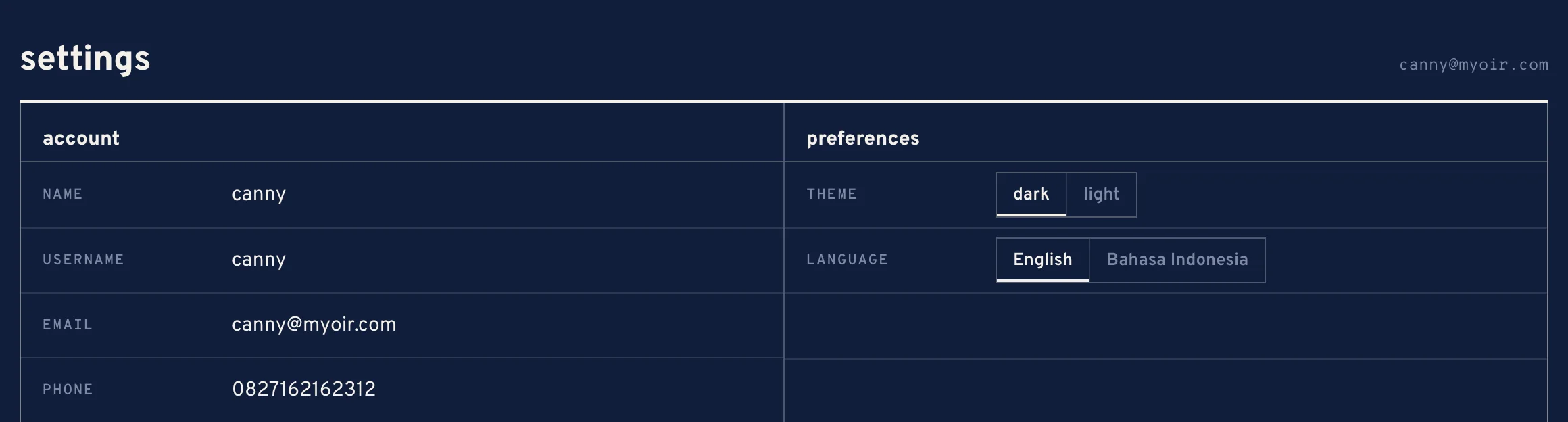
Settings shows who you are in mynerva, how the app looks for you, and every device that is signed in to your account.
settings
account lists your name, username, email and phone. preferences holds the theme and the language, the same switches as the chips at the top.
devices
devices lists every device signed in to your account, with this device and active now marked.

- revoke signs one device out. It has to sign in again.
- sign out everywhere signs every device out, this one included.
- A device that is not used for 30 days is signed out by itself.
Lost a phone? Revoke it from here on another device.
sending feedback
- Open the account menu and choose send feedback.
- Pick what it is about: bug, feature request, flow & usability, or other.
- Under what happened, write what you did, what you expected, and what happened instead.
- Press send. The page you were on goes with it.
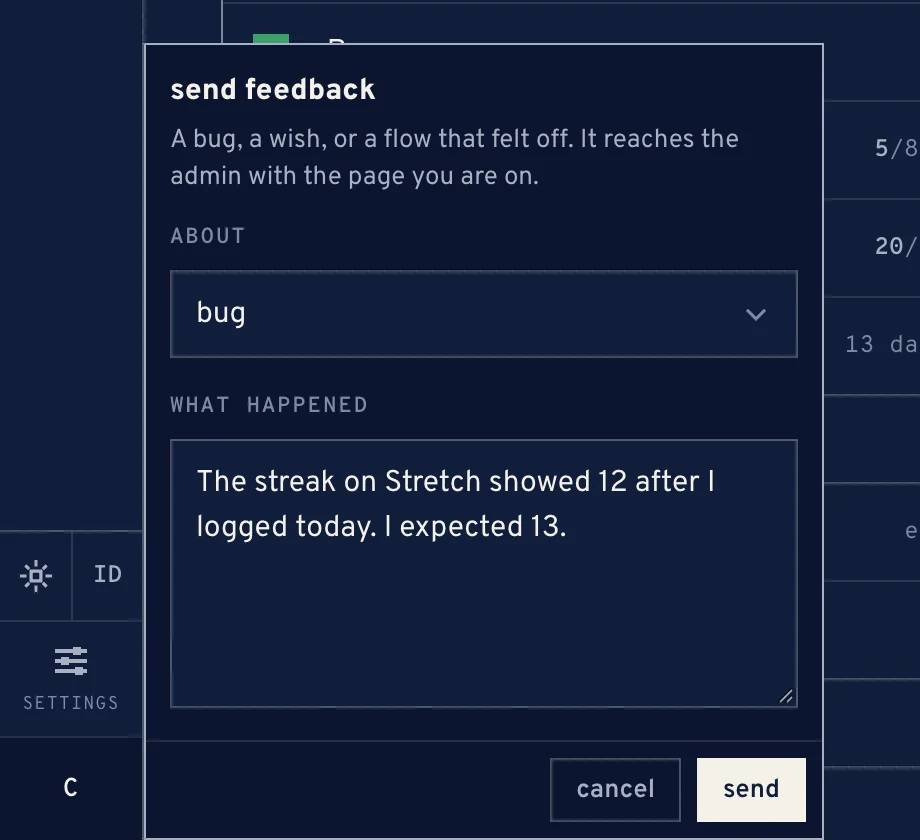
The feedback form
signing out
sign out in the account menu, or in settings, signs this device out.