docs · 01
getting started
mynerva keeps the day on one screen: habits, tasks and reminders that are owed today, with a module behind each for the detail. This page gets you in and shows you around.
create an account
- Press sign up on this site, or open the app and choose new here? create an account.
- Fill in your email, a username (3–30 letters and numbers), your first name, your phone and a password of at least 8 characters. The last name is optional.
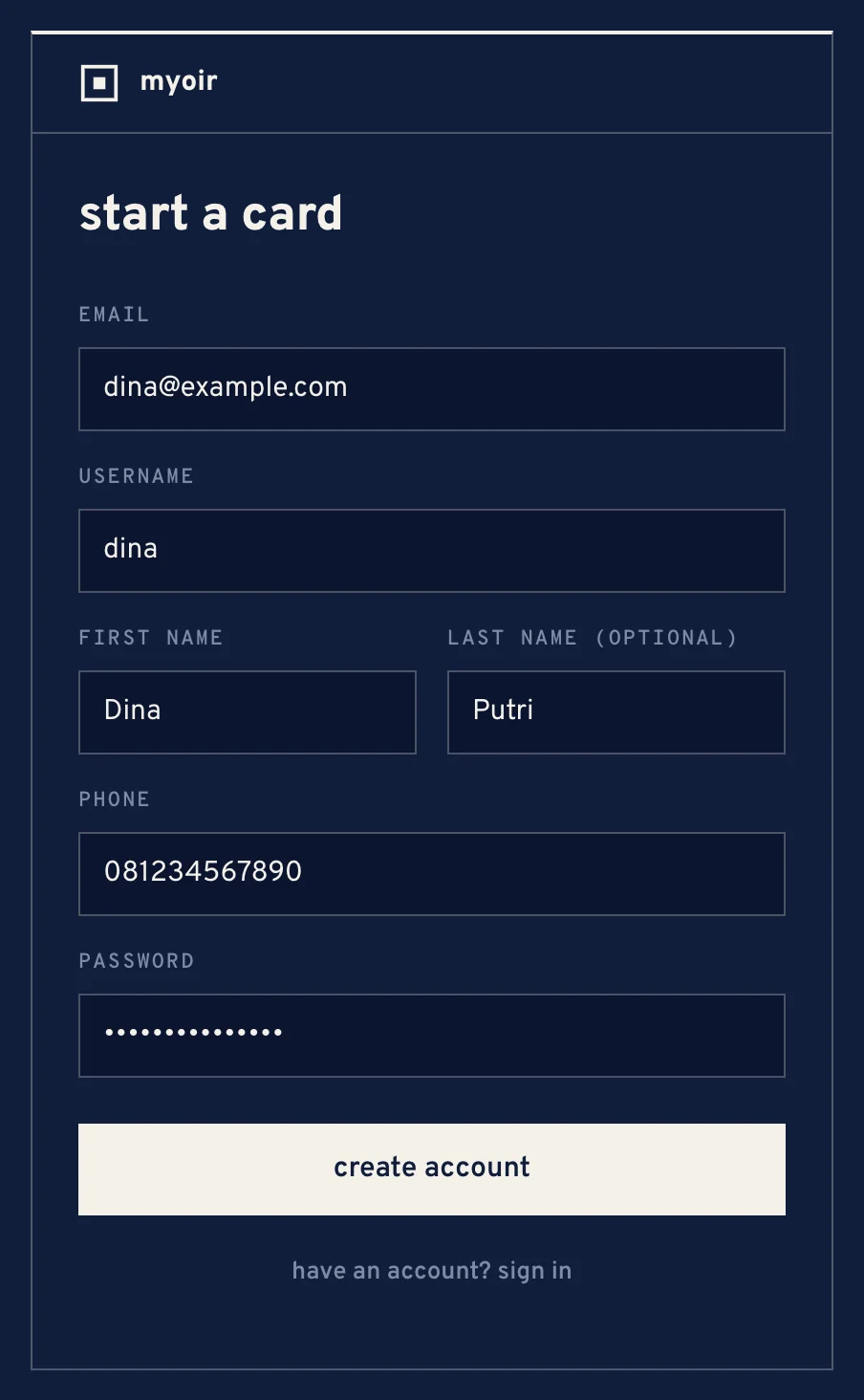
The sign-up form, filled in - Press create account. You are signed in and land on today.
If sign-up says it is closed, registration is switched off for now. Try again later.
sign in
Sign in with your email or your username, and your password. A device stays signed in for 30 days after it was last used, so a phone you open every day never asks again.
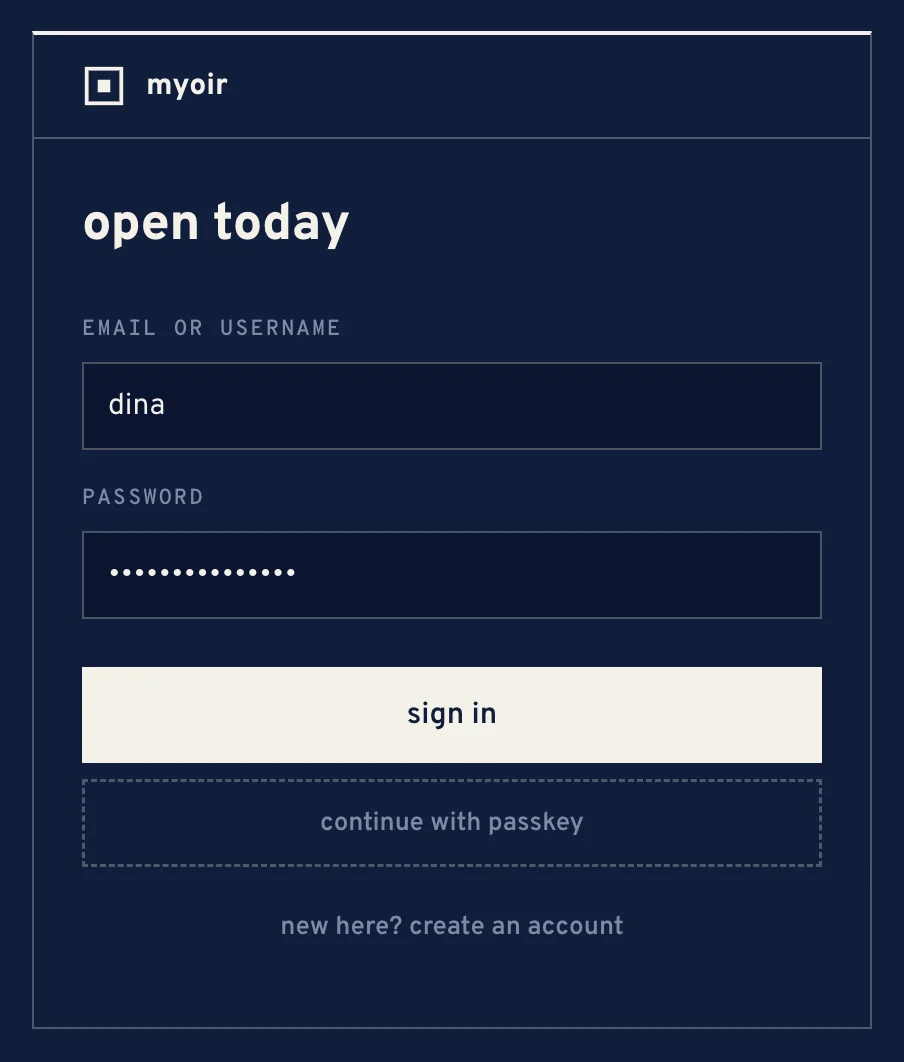
finding your way
On a laptop the modules sit on the rail at the left; on a phone they sit in the bar at the bottom. Each one is a page of its own:
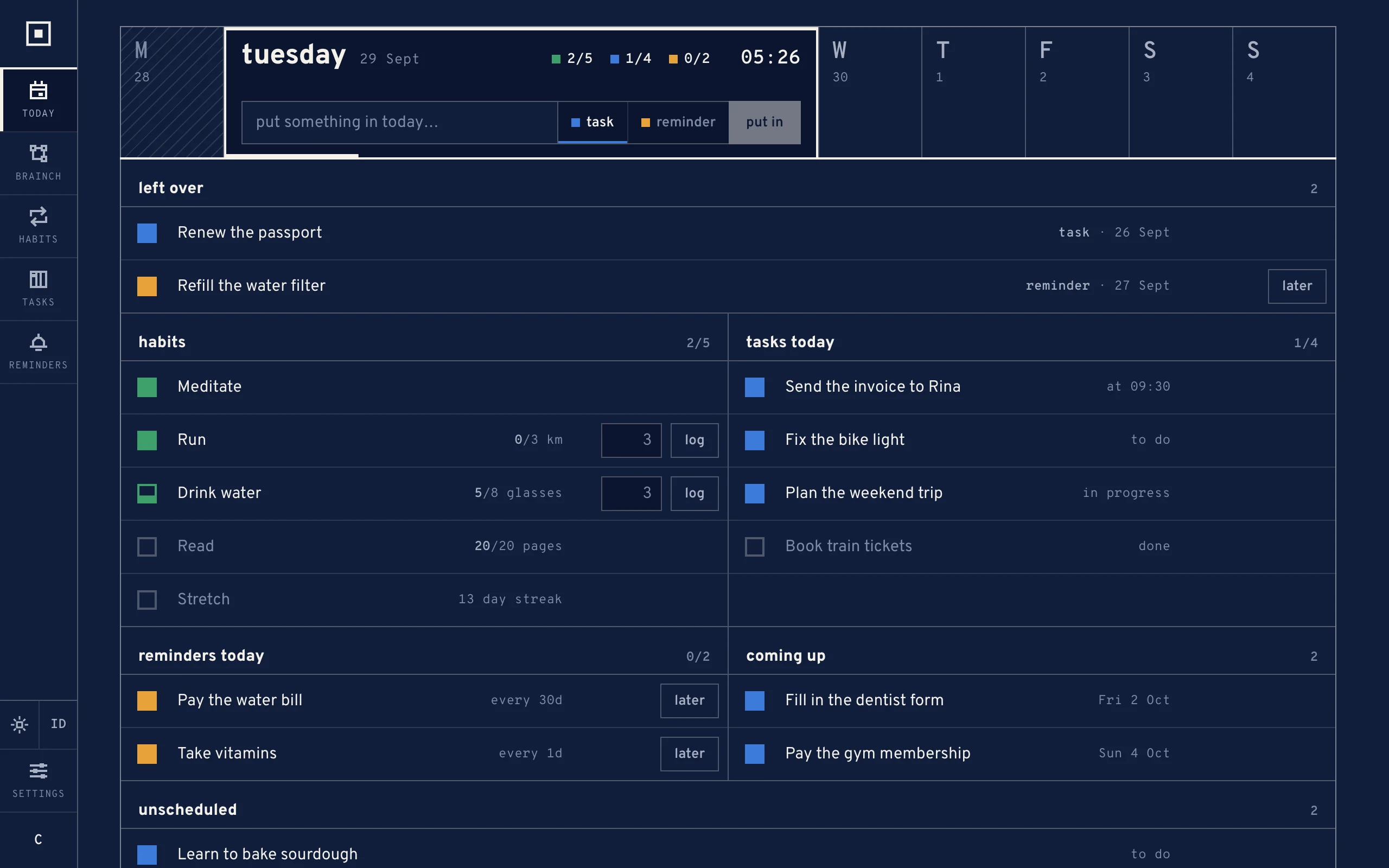
- today
- the day on one screen — what is owed from every module.
- brainch
- notes that save as you write.
- habits
- what you do every day, and the record of it.
- tasks
- a board of your own stages.
- reminders
- things that come back, once or every few days.
- settings
- your account, preferences and signed-in devices.
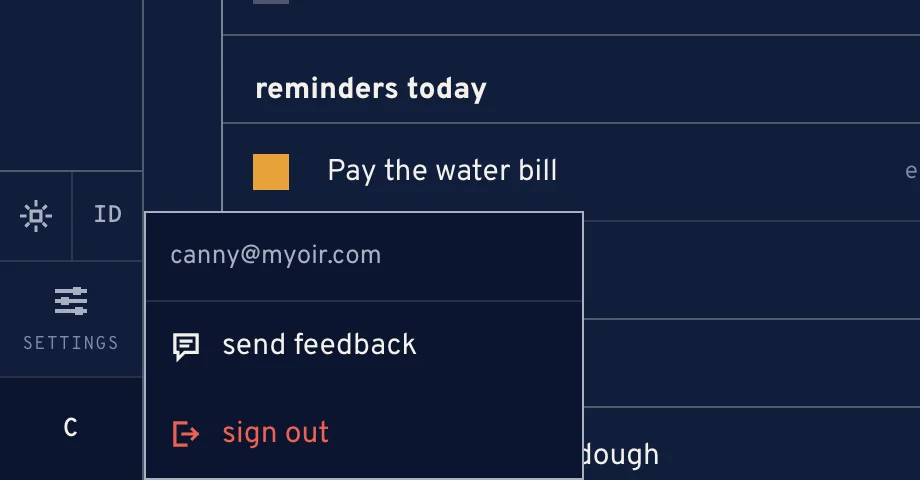
The square with your initials, at the top right, is the account menu. It holds send feedback and sign out.
theme and language
The sun or moon chip switches between the dark theme and the light one. The ID / EN chip switches between Bahasa Indonesia and English. Both chips are on every screen and in settings, and the app remembers your choice in that browser.