docs · 02
today
Today gathers what is owed from habits, tasks and reminders into one ruled card. You can work through the whole day without opening another page.
the box
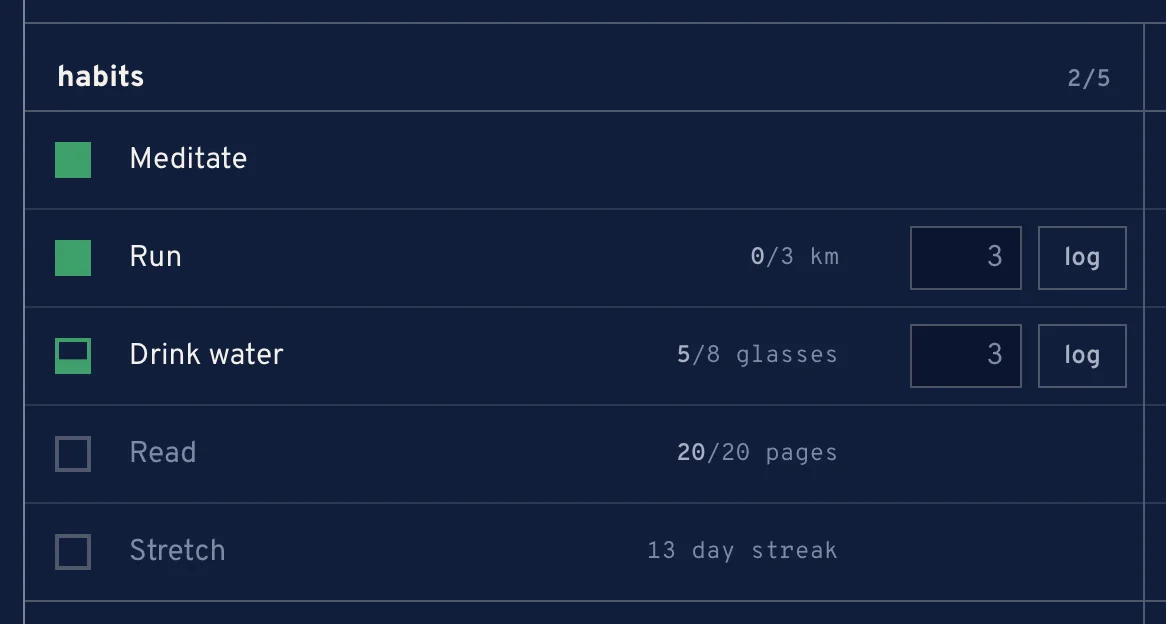
Every item has one square box on its left, in its kind colour: green for a habit, cobalt for a task, amber for a reminder. A full box is still owed. Pressing it empties the box, and the item is done.
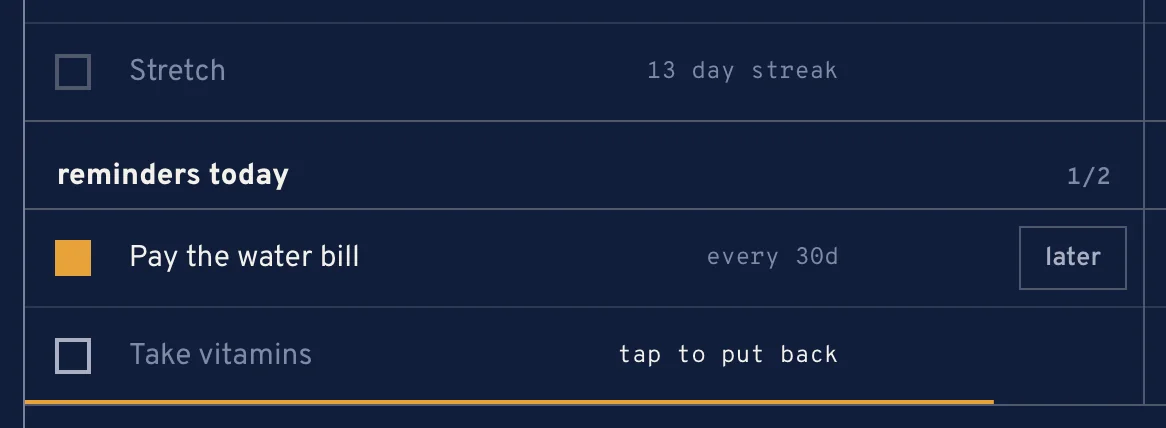
For a moment after, a line runs under the item and it says tap to put back. Tap it then to undo. Once it settles, the item moves down among the emptied ones. An emptied box can still be pressed later to put the item back.
- a habit
- logs today as done. A habit counted as an amount logs whatever is left to reach its target.
- a task
- moves to the first stage marked as done. Putting it back moves it to an open stage.
- a reminder
- is finished for this cycle. A repeating one goes on to its next date.
the week and the clock
The strip on top is this week. A past day shows what was left over on it; today's column carries the date, the tally of what is done out of what is owed for each kind, and the time.

The time follows the app's time zone, not the device's. On a laptop, a bar under today fills as the day passes. At midnight the page turns over to the new day by itself.
the blocks
- left over
- tasks past their due date and reminders that are late. Shown first, only when there are any.
- habits
- every habit, every day.
- tasks today
- tasks due today.
- reminders today
- reminders that come due today.
- coming up
- tasks due in the coming week.
- unscheduled
- tasks with no date.
In each block the owed items come first and the emptied ones below. When nothing is owed anymore, the day says all emptied — until tomorrow.
habits with an amount
A habit counted as an amount — 8 glasses, 30 min — has a log field next to it. Type what you just did and press log; the box fills part of the way until the target is reached. Pressing the box itself logs the rest in one go.
later, for a reminder
Under a due reminder, later opens the ways to put it off:
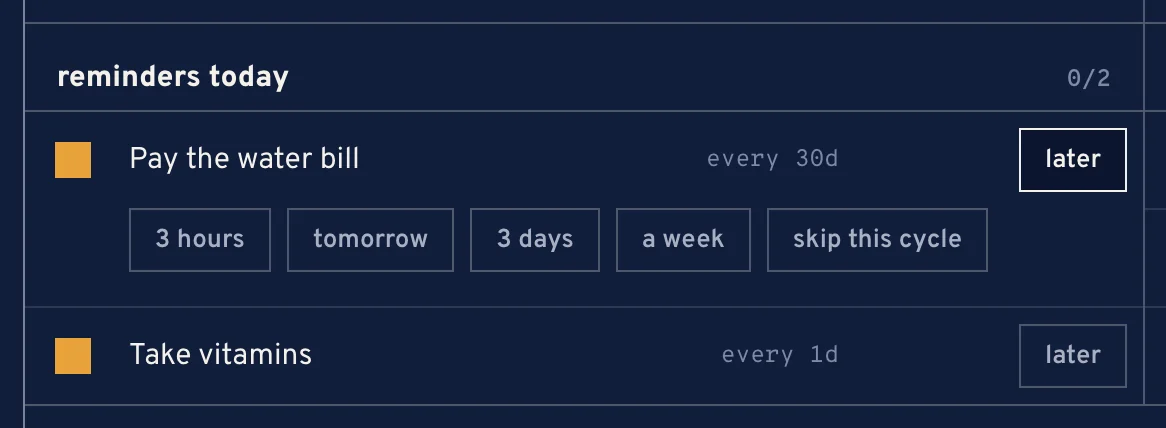
- 3 hours, tomorrow, 3 days or a week — snooze it; it comes back then.
- skip this cycle — for a repeating reminder only: this one is dropped and the next date is set.
A reminder can be snoozed for at most 30 days.
putting something in today
- Type a name in put something in today….
- Pick task or reminder.
- Press put in.
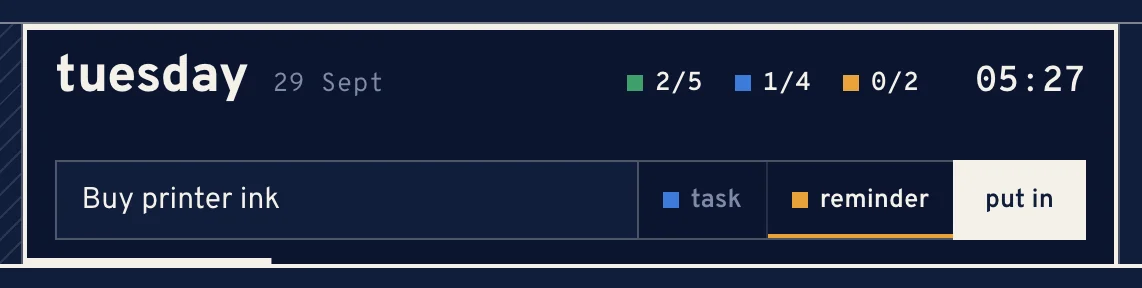
Putting a reminder into today
A task goes in due today, at the foot of the first open stage. A reminder goes in due today, once, under the category other. Open it in its module to add a time, notes or a repeat.