docs · 06
brainch
brainch is for notes: a thought, a list, something to look up later. There is no save button — a note is kept as you write it.
writing
- Press new note.
- Give it a title, or leave it untitled.
- Write. The line under the note says saving…, then saved.
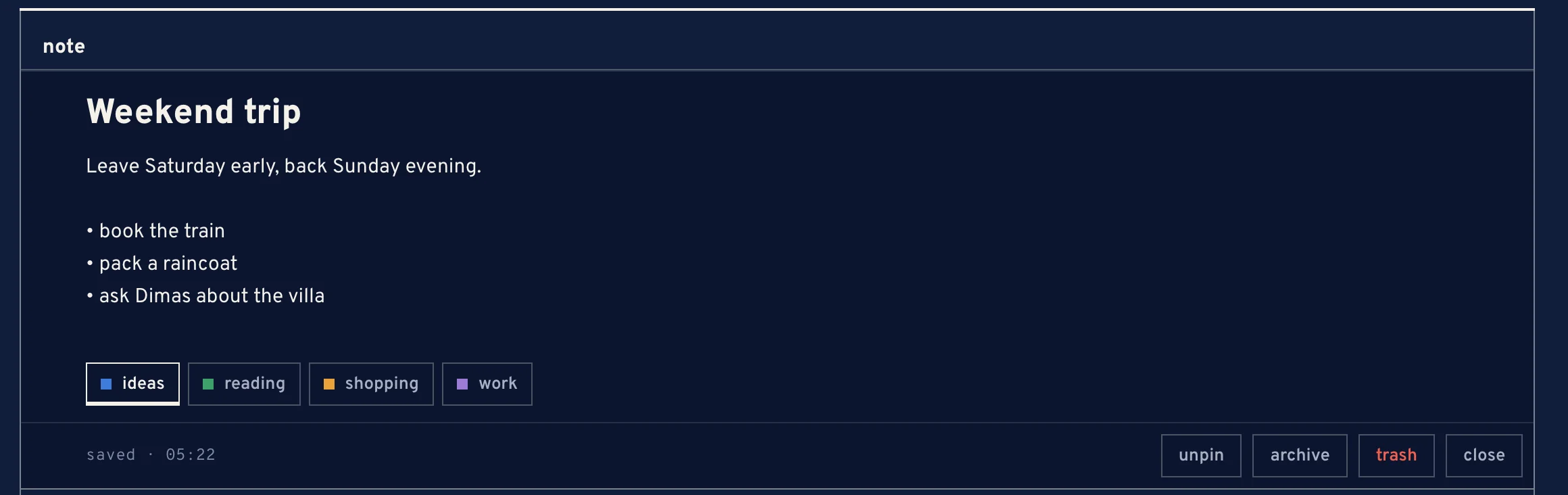
A note open, with its tags
A note needs some text to be kept. Starting a line with “- ” or “* ” turns it into a bullet; Enter carries the bullet on, and Enter on an empty bullet ends the list.
the shelf
- pinned
- notes you pin stay at the top.
- notes
- everything else on the shelf.
- archive
- notes you archive are off the shelf but kept. unarchive puts one back.
- trash
- notes you trash wait here for 30 days, then they are gone. restore brings one back in time.
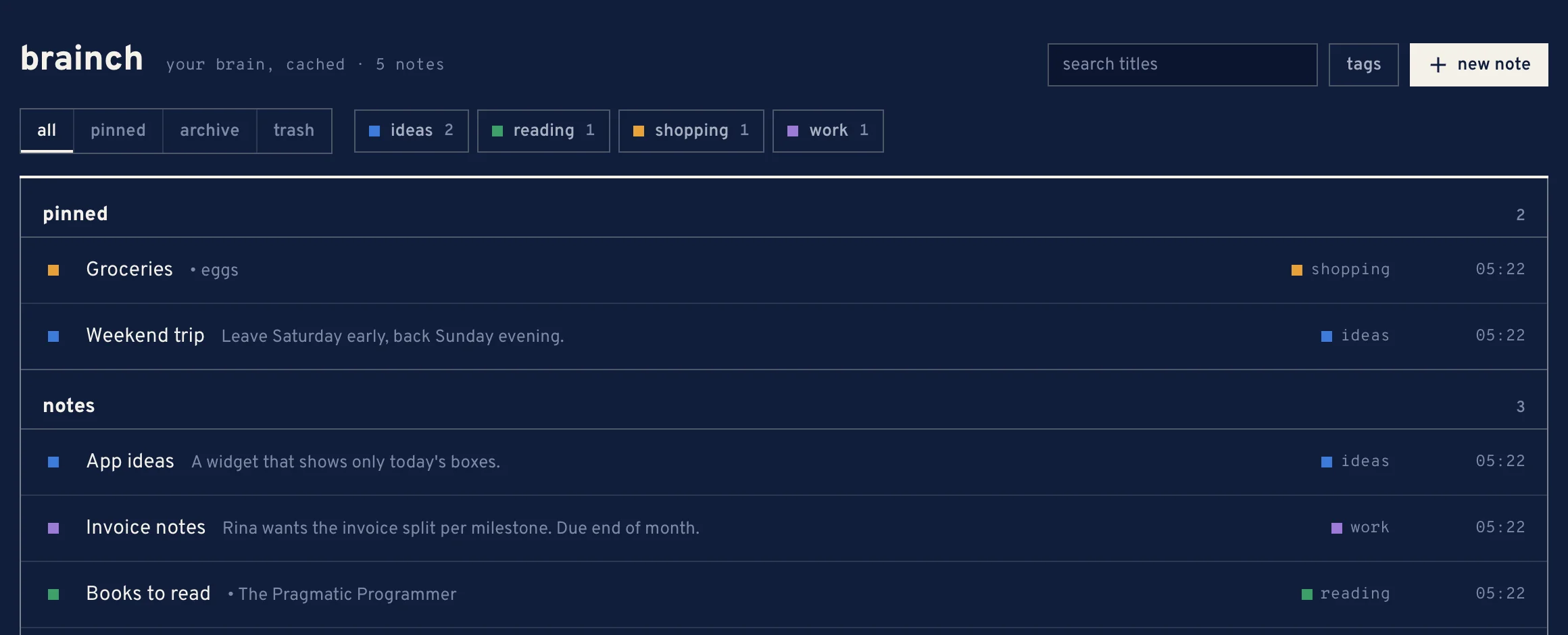
tags and search
Under tags you make tags: a name and a colour from the fixed palette — cobalt, amber, green, teal, plum or sand. Put tags on a note from the note itself.
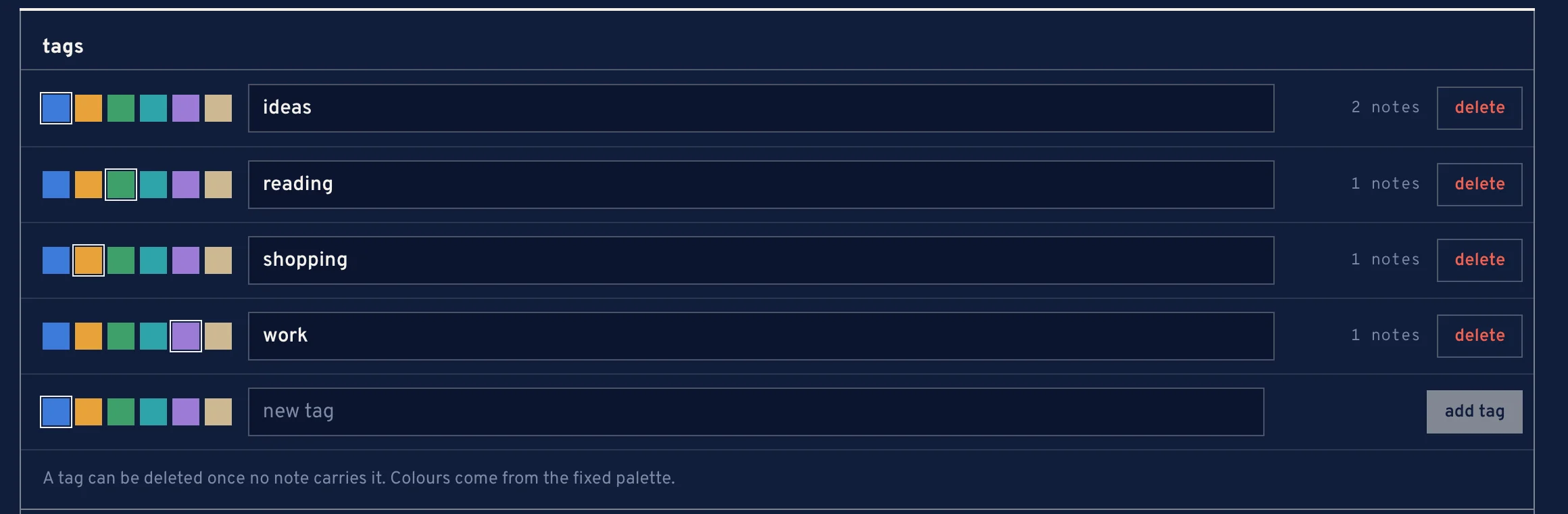
Pick a tag to show only the notes that carry it, or search the titles. A tag can be deleted once no note carries it.